Free on iPhone and Android
Plan it. Drive it. Keep every road.
Your trip day by day, the whole day sent to Google Maps in one tap, and every drive you do recorded, with 500+ passes and famous roads to collect along the way.
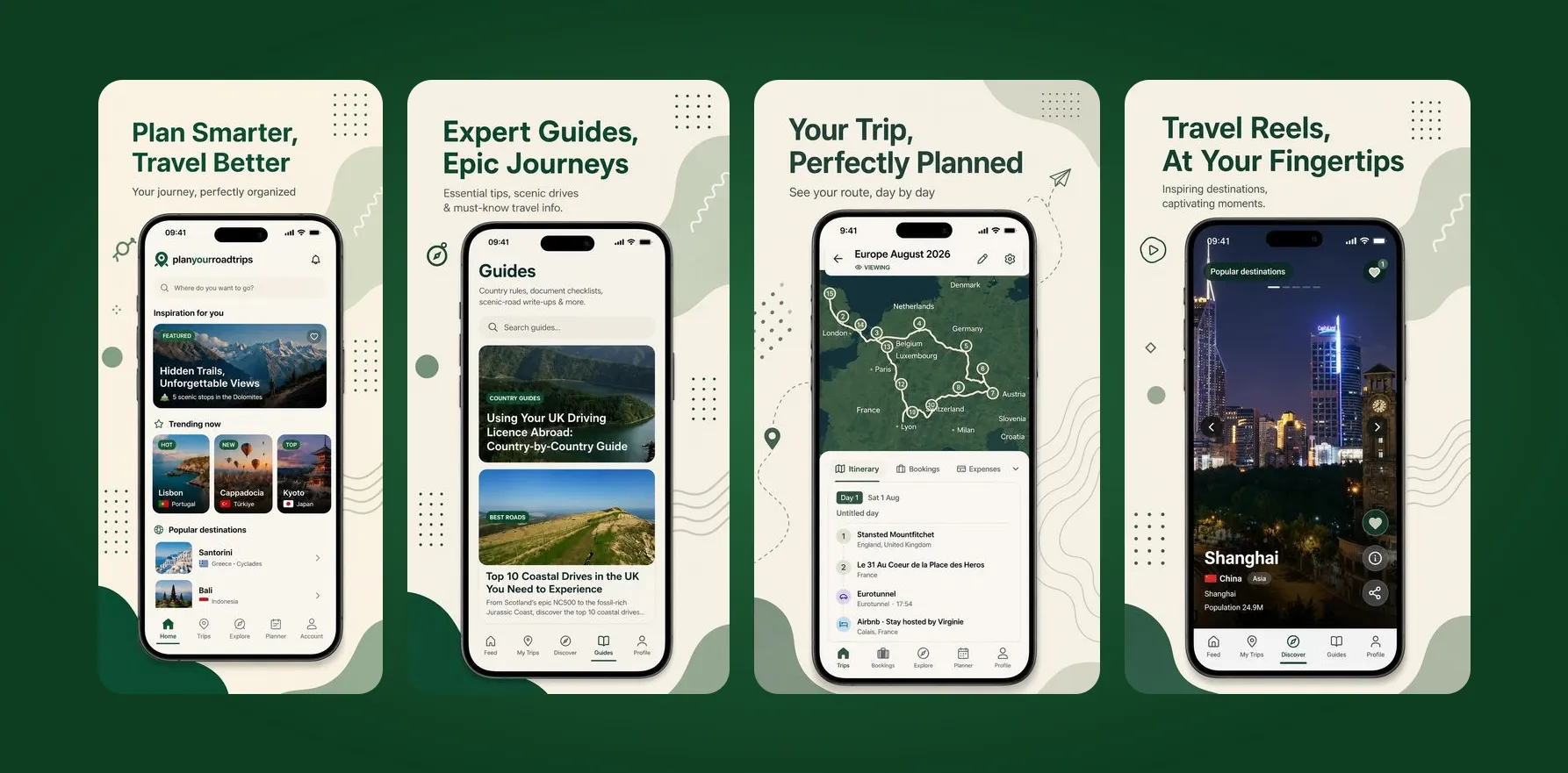
Plan it
A map-first planner with every day laid out.
Day-by-day planner
Pick your dates, drop stops onto each day and see the driving time for every leg.
26 famous routes, ready to copy
The NC500, the Stelvio, the Wild Atlantic Way and more, loaded into a trip in one tap.
AI trip builder
Describe the trip you want and get a first draft with stops and days. Five free goes a day.
Places worth stopping for
Thousands of hand-picked viewpoints, passes, beaches and castles along your route.
Bookings from your inbox
Connect Gmail and hotel and ferry confirmations are read and put on the right day.
Calendar sync
Your trip days show up in Google or Outlook calendar, and stay in step.
Drive it
Built for the passenger seat and the dashboard mount.
Send the whole day to Google Maps
Every stop for the day, in order, in one tap. Waze and Apple Maps start you at the first stop.
Records your drive
Start a trip and the app logs the route you actually drive, in the background.
Works offline
Your itinerary and documents are saved on the phone for when the signal goes.
Snap receipts
Photograph a receipt and the cost is read and logged against the day.
Emergency help
Local emergency numbers and what to do, wherever you are.
A map you can read at a glance
Main roads drawn thicker than minor ones, and a compass that snaps back to north.
Keep it
Every road you've driven, in one place.
My drives map
Every drive you've recorded, drawn together on one map.
The road you really took
A finished trip shows the route you drove, not just the one you planned.
Import Google Timeline
Fill in old trips with your Google Maps location history.
Photos on the day they were taken
Import from your camera roll and pictures land on the right day and stop.
Ready for the road?
Download the app free and take your trip with you, offline, everywhere.
Free on iPhone and Android
Frequently asked
Is there a road trip planner app?
Yes: Plan Your Road Trips is free on the App Store and Google Play. It carries your full itinerary, works offline, records the drives you do and syncs live with anyone you're planning with.
Can I send a whole day's route to Google Maps?
Yes. One tap opens Google Maps with every stop for that day in order. Waze and Apple Maps take you to the first stop.
Does it record the roads I drive?
Yes. Once a trip is under way the app records your route in the background. Finished trips show the road you actually took, and every drive appears on your My drives map.
Can I add trips I did before I had the app?
Yes. Import your Google Maps Timeline into a finished trip and the drive is filled in from your location history.
Is the app free?
Yes. Planning, the map, drive recording, offline documents and collaborators are free with no trip limit. The AI tools are free for five uses a day.
Does the app work offline?
Yes. Once your trip is loaded, your itinerary, stops and map stay available without a connection: ideal for remote stretches with no signal.
Is there an iPhone (iOS) version?
Yes — Plan Your Road Trips is on the App Store as well as Google Play. Your trips sync across both, and the web planner at planyourroadtrips.com stays in step with either.